


706.543.3008
Real Estate Company

.JPG)
.jpg)
.jpg)
.jpg)
.jpg)
.jpg)
.jpg)
.jpg)
.jpg)
151106.jpg)
.jpg)
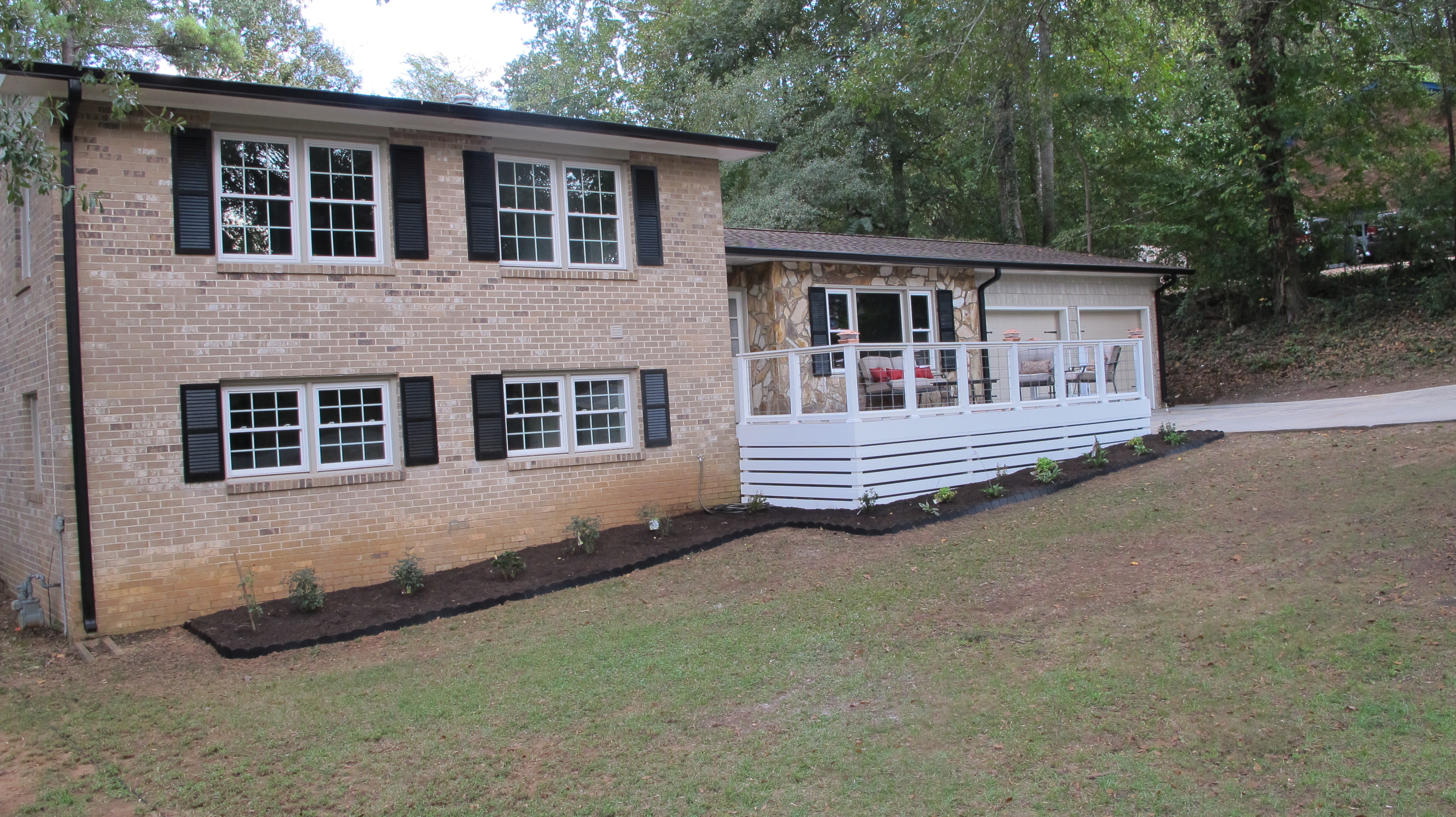
While pictures are "worth a thousand words", let us also paint a picture for you with words....As you drive up to this cozy split-level home you will have 2 driveways to choose from. Your main driveway leading into a 2-car garage, PLUS a secondary 100ft. long side driveway that can easily accommodate at least 2 full-size RV's! Walking up to the house, you are greeted by an enormous (18x12) front porch party deck with relaxing patio set that is mostly shaded under a giant oak tree! Perfect for a morning cup o' joe.
Walking inside you are welcomed with a total Open Concept Kitchen & Dining Space. Sit at our over sized table in front of a cozy fireplace that can easily seat 10+ people. Want to watch the game while you're eating or playing games? No problem! We're adding a 55" flat screen above the fireplace that can be viewed from anywhere on that floor! The kitchen area boasts an XL 9ft. Island that can seat an additional 5-6 people! All white shaker cabinets, stainless steel appliances & granite throughout!
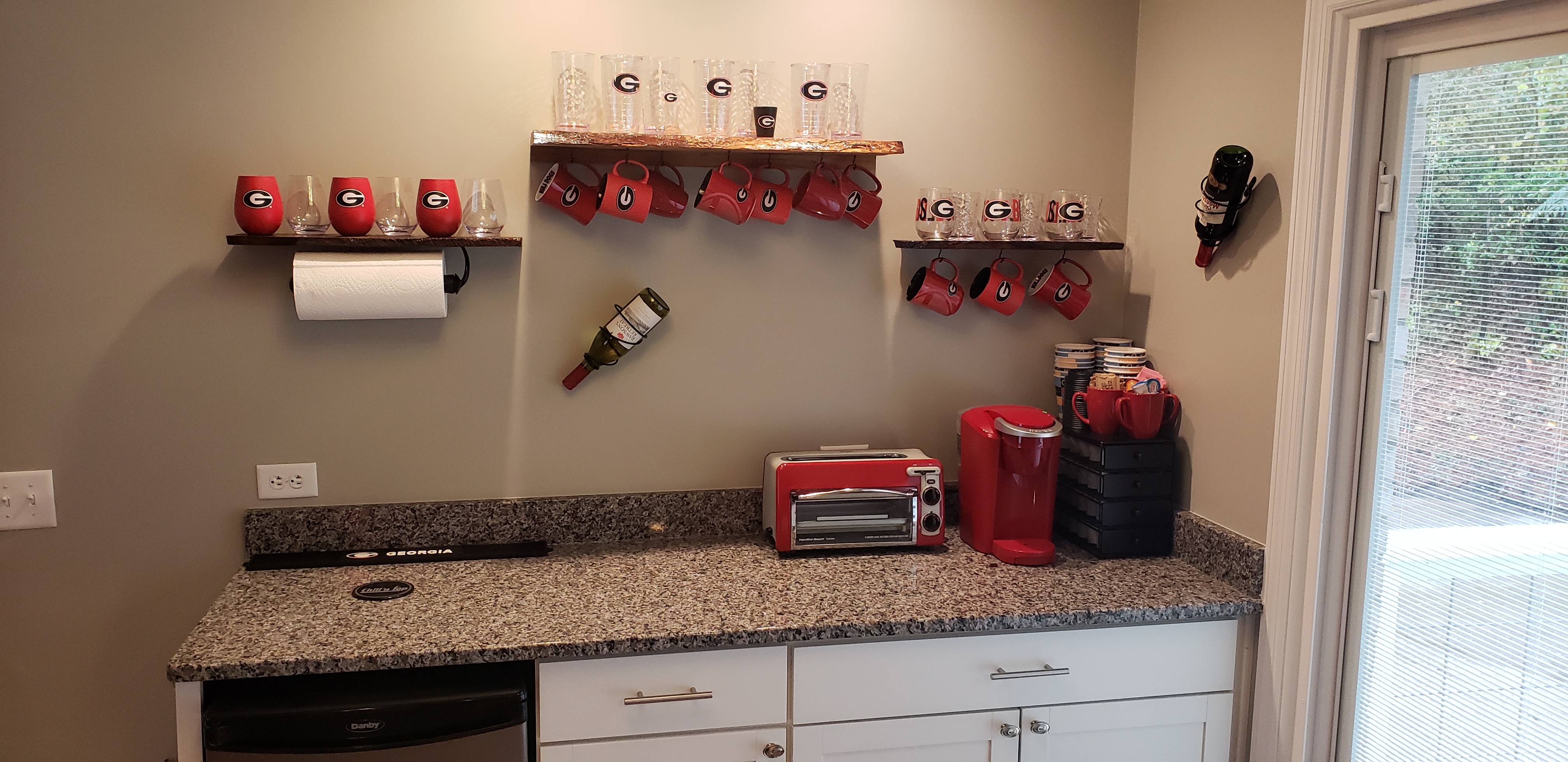
Gorgeous fall night outside? Stop by the bar station complete with built-in kegerator to accommodate your favorite brew! Then make your way through the sliders to an even larger (14x22) party deck out back! This backyard oasis would not be complete without a comfy seating & separate outdoor dining space, a propane fire table to keep you warm, a separate grill pad off the deck, and rounding out in our grass area where you can play a rousing game of cornhole (game included)!
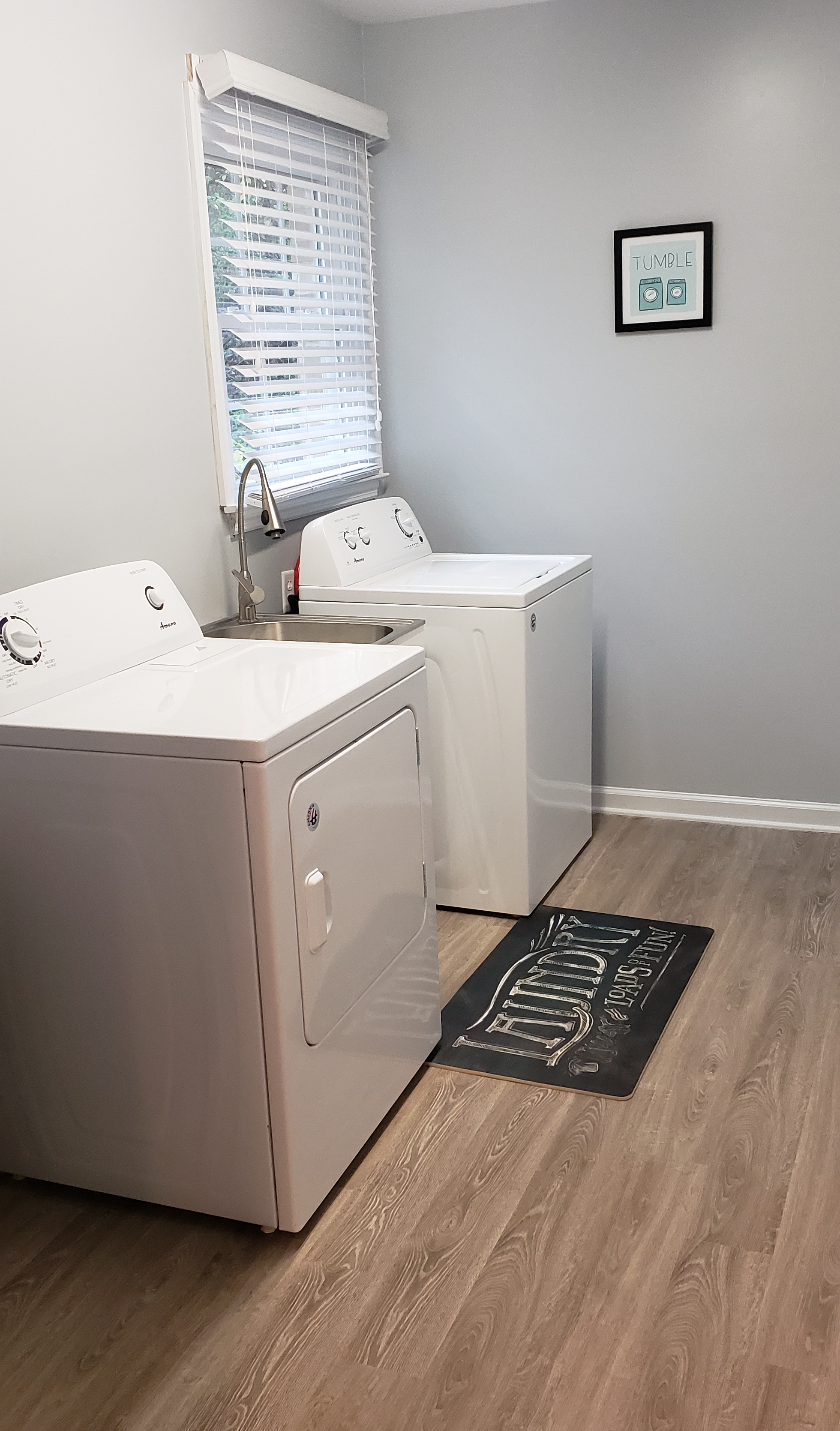
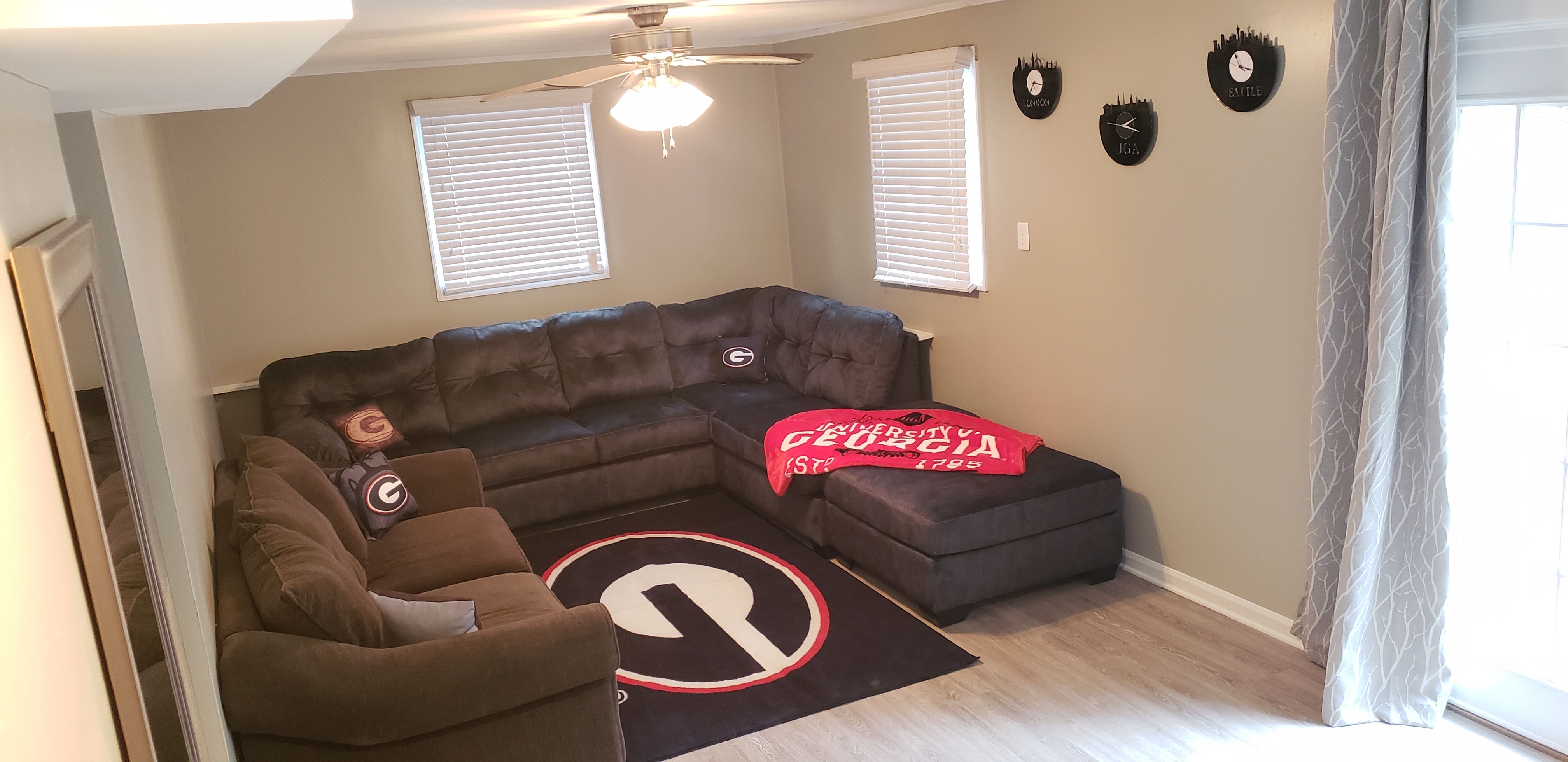
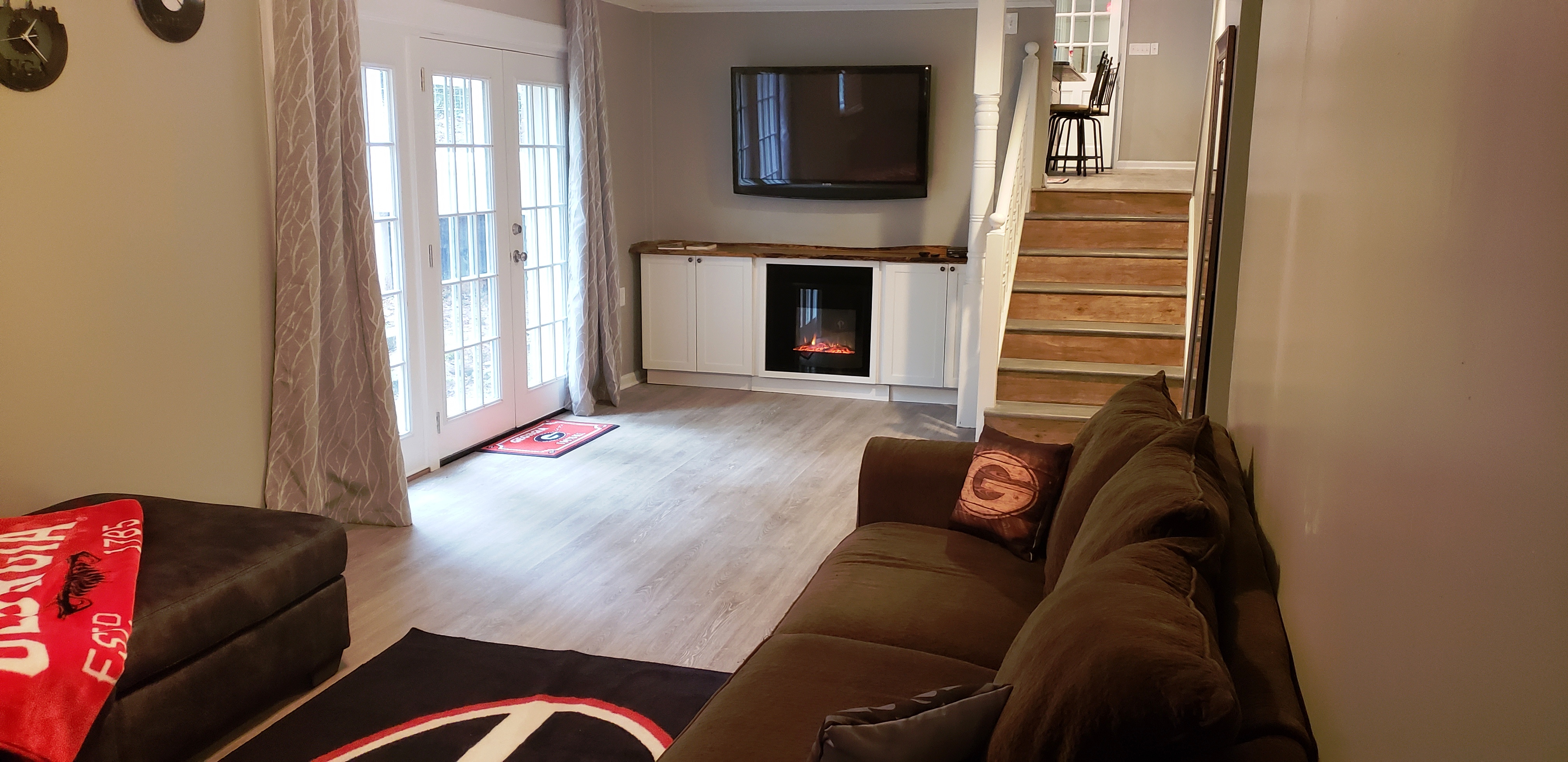
Got a little dirty from your friendly competition, or after coming home from the game? We have a large laundry room, equipped with laundry sink and pantry storage for all your extra groceries! Too cold or wet to relax outside? Come on down to the lower level where we offer a full sectional (equipped with Queen pullout bed) centered around another fireplace & 55" flat screen t.v.! Games and books flank either side as well, to tickle your intellectual senses!
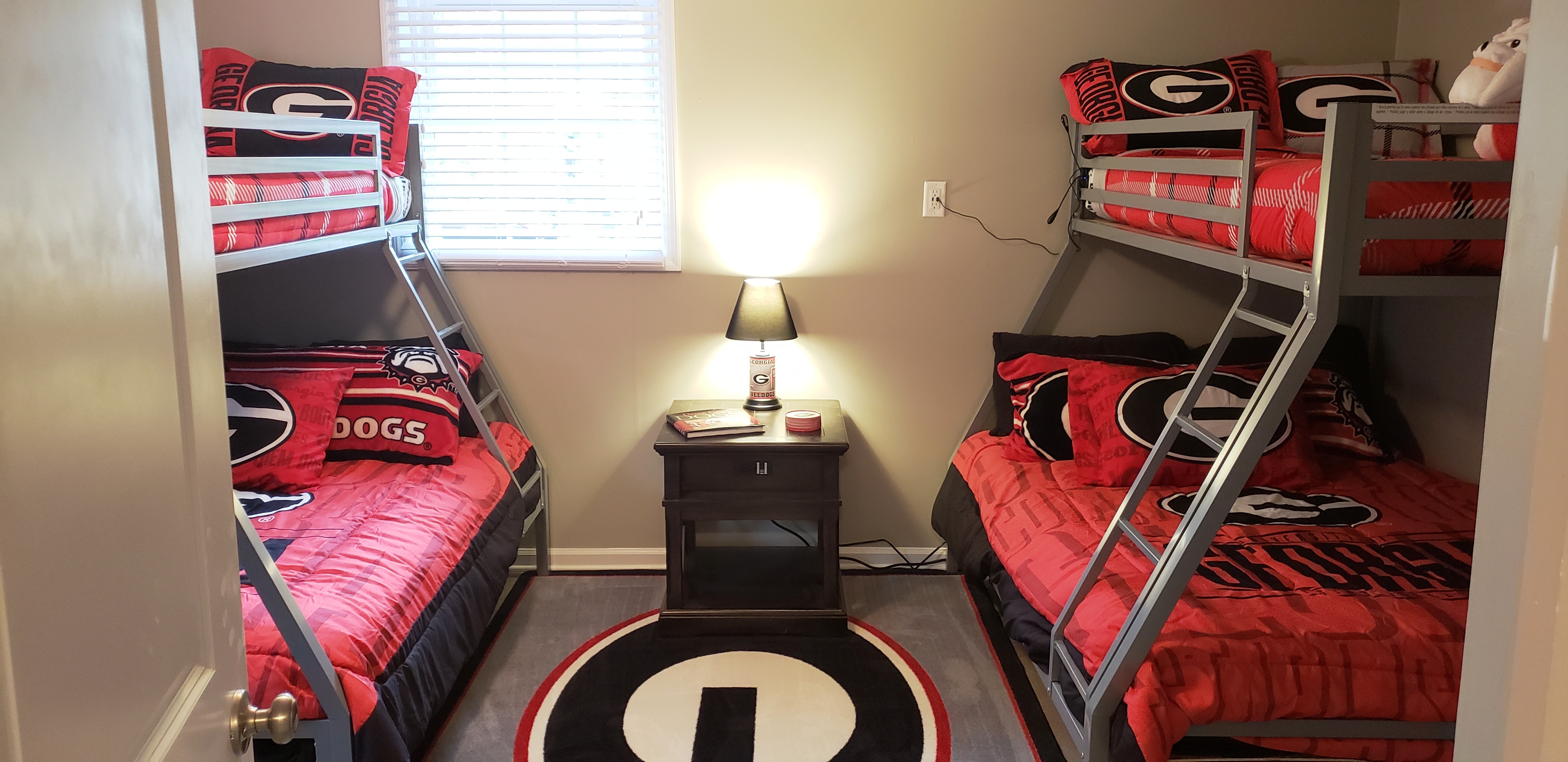
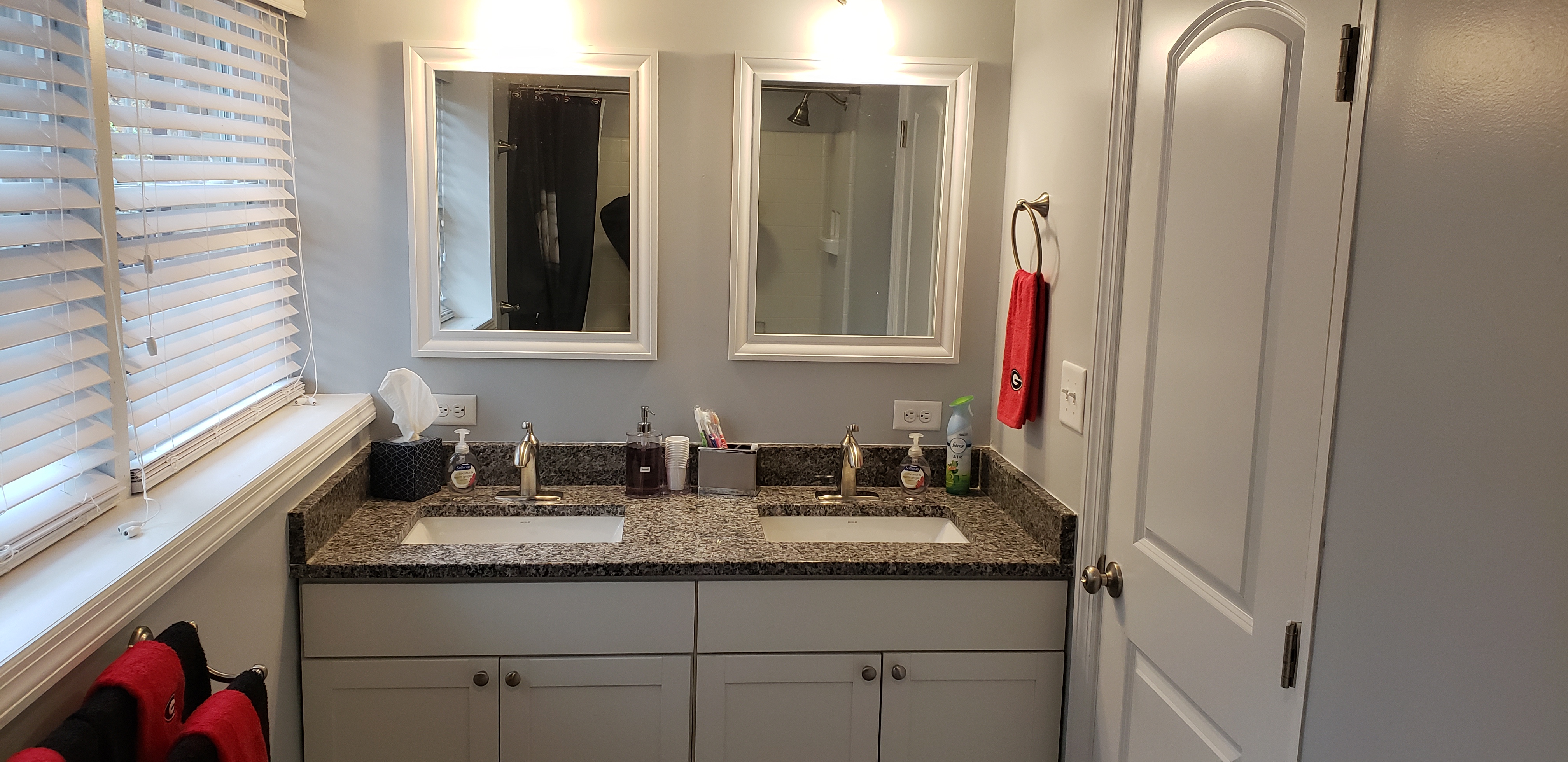
Tired after a long day of fun? Or maybe you want to send the kiddos to bed? Downstairs we offer their own separate "Dawg" inspired sleeping quarters that includes two, 3-person bunk beds, so you can easily sleep 6 (weight limit to 1 kid atop ea. & 2 adults below ea.). For those midnight trips to the potty, we included a large, no-fight, 2-sink adjoining bathroom!
Finally ready to call it a night yourselves? Unwind on our 3rd level in one of 3 bedrooms. The "Stadium" Room & "Athena" Room both offer Queen size beds and a shared bathroom, again with the no-fight, 2-sink convenience. Our "Arch" room is also the Master Bedroom, complete with King size bed & private (2-sink) En-suite! All bathrooms boast the same cabinetry & matching granite as the kitchen! And, of course, all linens, toiletries, kitchenware are included so that no matter what team you're rooting for, all you need to bring is your clothes, supplies, and most important--LEAVE YOUR STRESSES BEHIND!
**NOTE: The No Pet Policy is strictly enforced. Any evidence of a pet, from the walk-thru at check out, will automatically require a forfeit of 15% - 100% of the Damage Deposit.
Better than touring in person! Take your time and walk through the home virtually. No wasted trip driving to see a home that isn't a good fit. Click on "Virtual Tour" below, and you will be able to view a 3-D display of the home. Continue reading for detailed navigation instructions.
An automated tour of the inside of the home. To explore more detail on your own, click on "Virtual Tour" in the previous paragraph.
Will the furniture fit? Chances are that it will, but here are floor plans for your review.
The following are stationary "dollhouse" style overviews of the main floor and lower floor (floors 1 and 2). They are similar to what you would see in the dollhouse view above, but they are fixed. If you want to be able to rotate the picture on its axis to see the home from different angels, you would click on the "Virtual" button above.
Quick views of the home.
If you have a Samsung Gear VR you can do a virtual reality tour! This is different than the virtual tour listed above. In this case, you are wearing your Gear mask and "walking" virtually through the home as if you were actually there. Use the following instructions to enjoy this new way of experiencing a home tour!

/t.realgeeks.media/resize/300x/https://u.realgeeks.media/athensgahomesales%252Flogos%252FMark_Mahaffey_and_Associates_(4x).png)