


706.543.3008
Real Estate Company
.jpg)
.jpg)
.jpg)
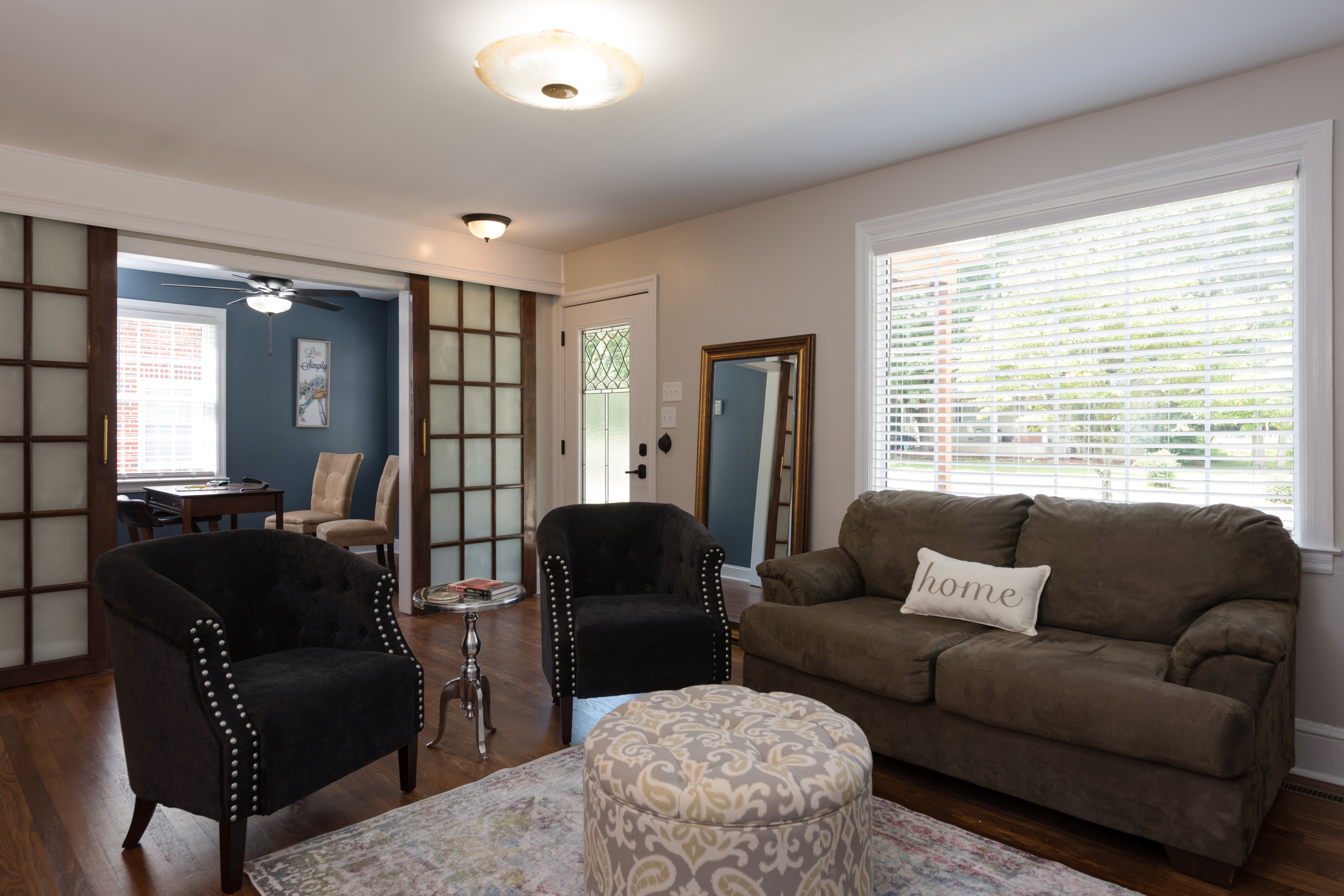
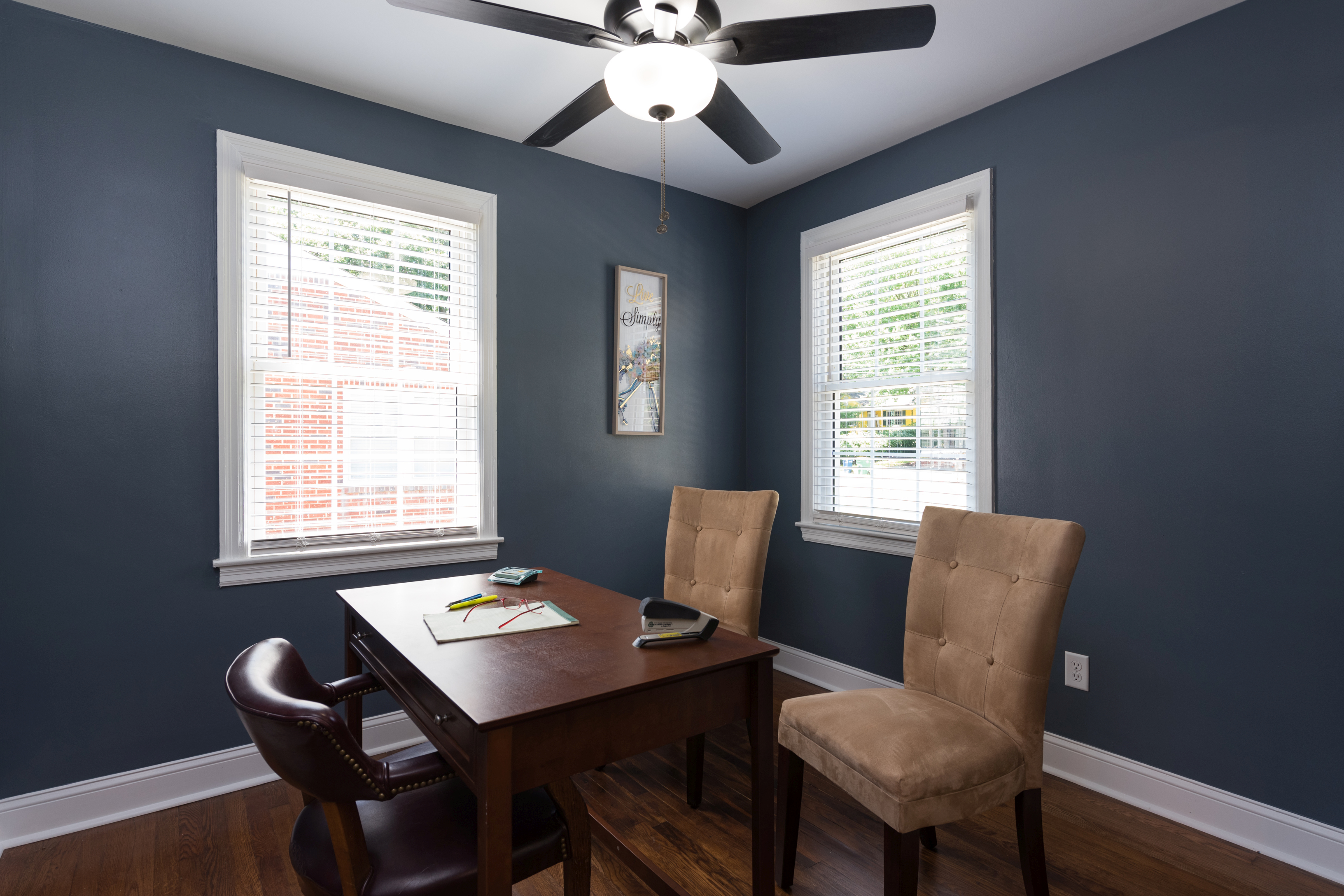
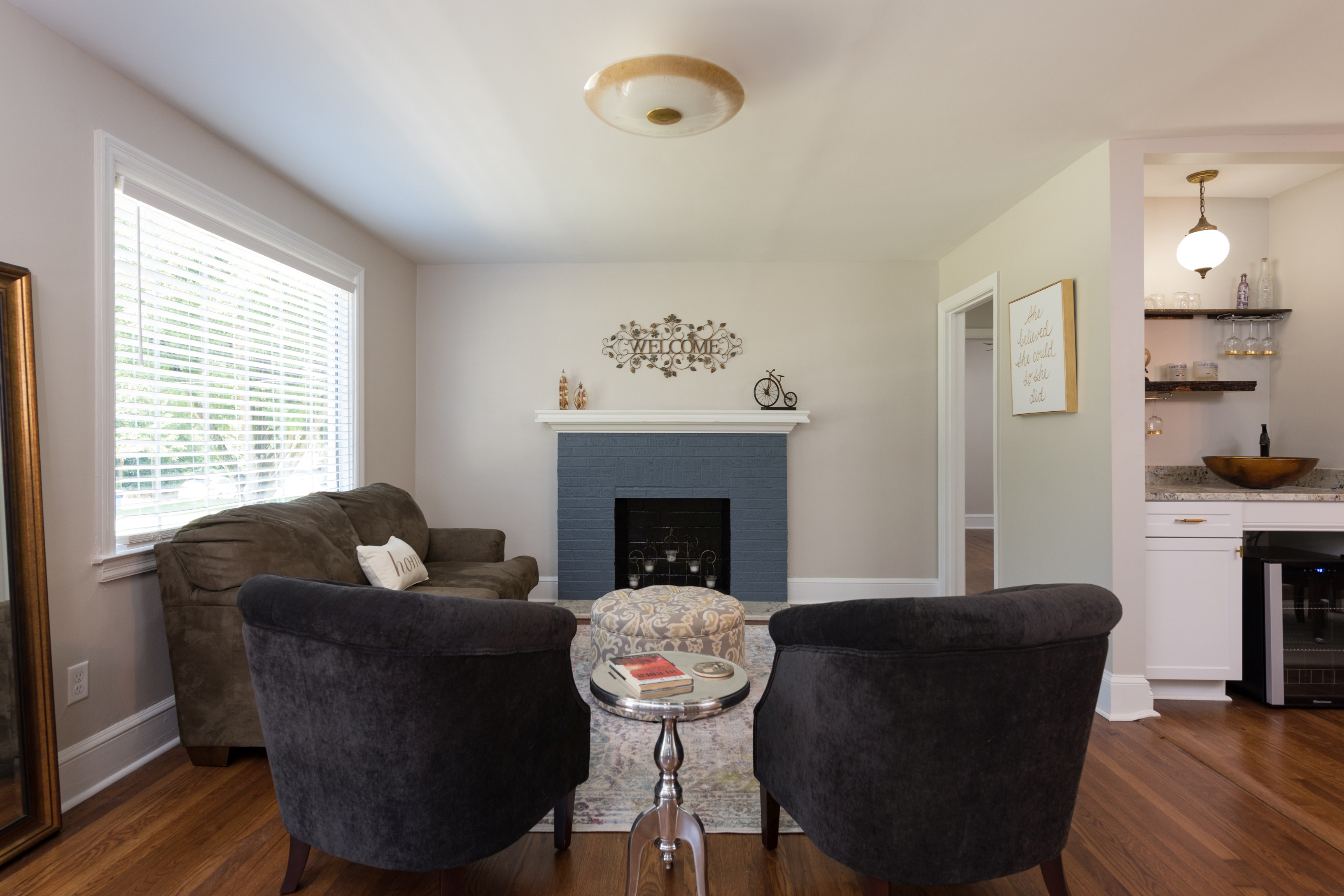
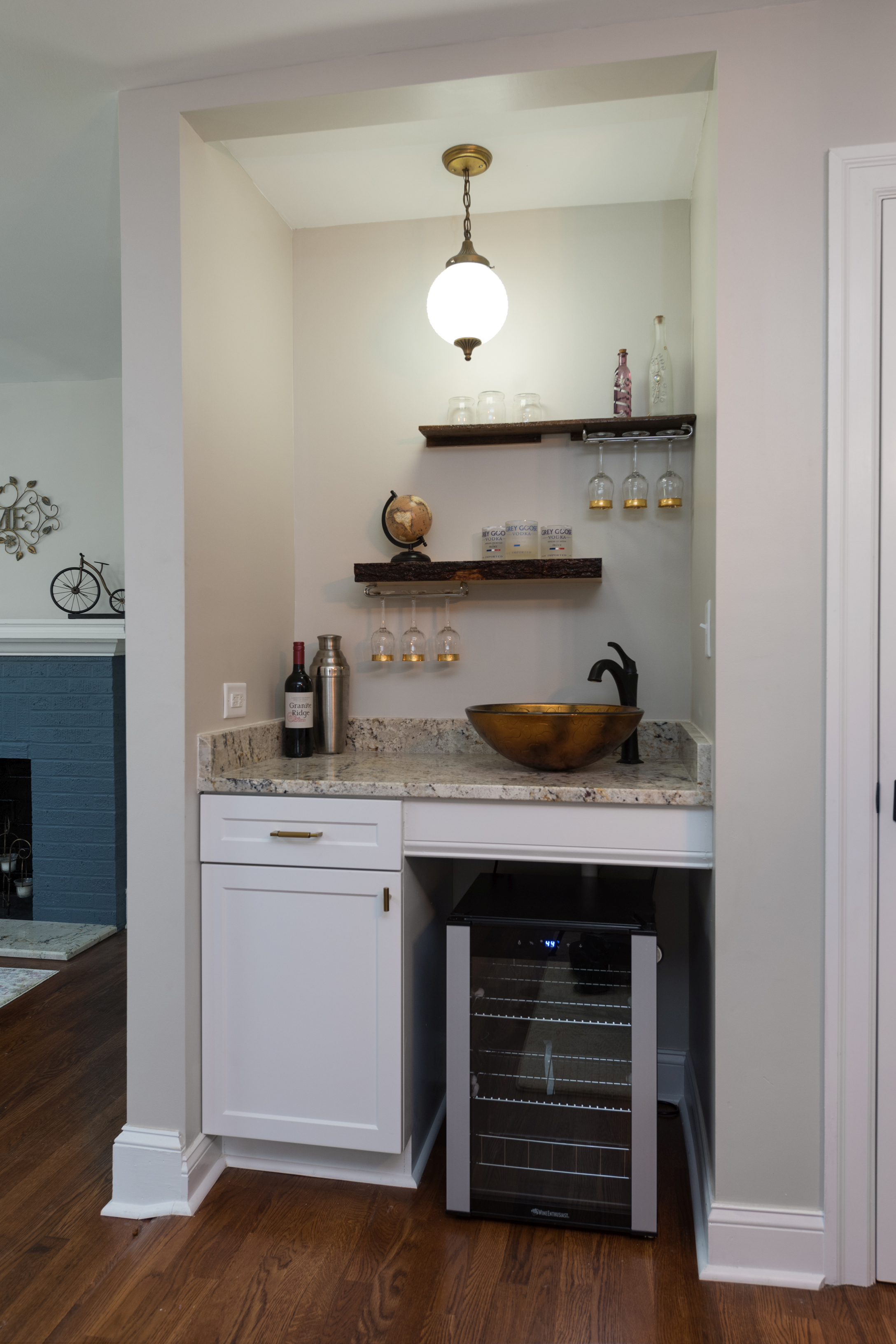
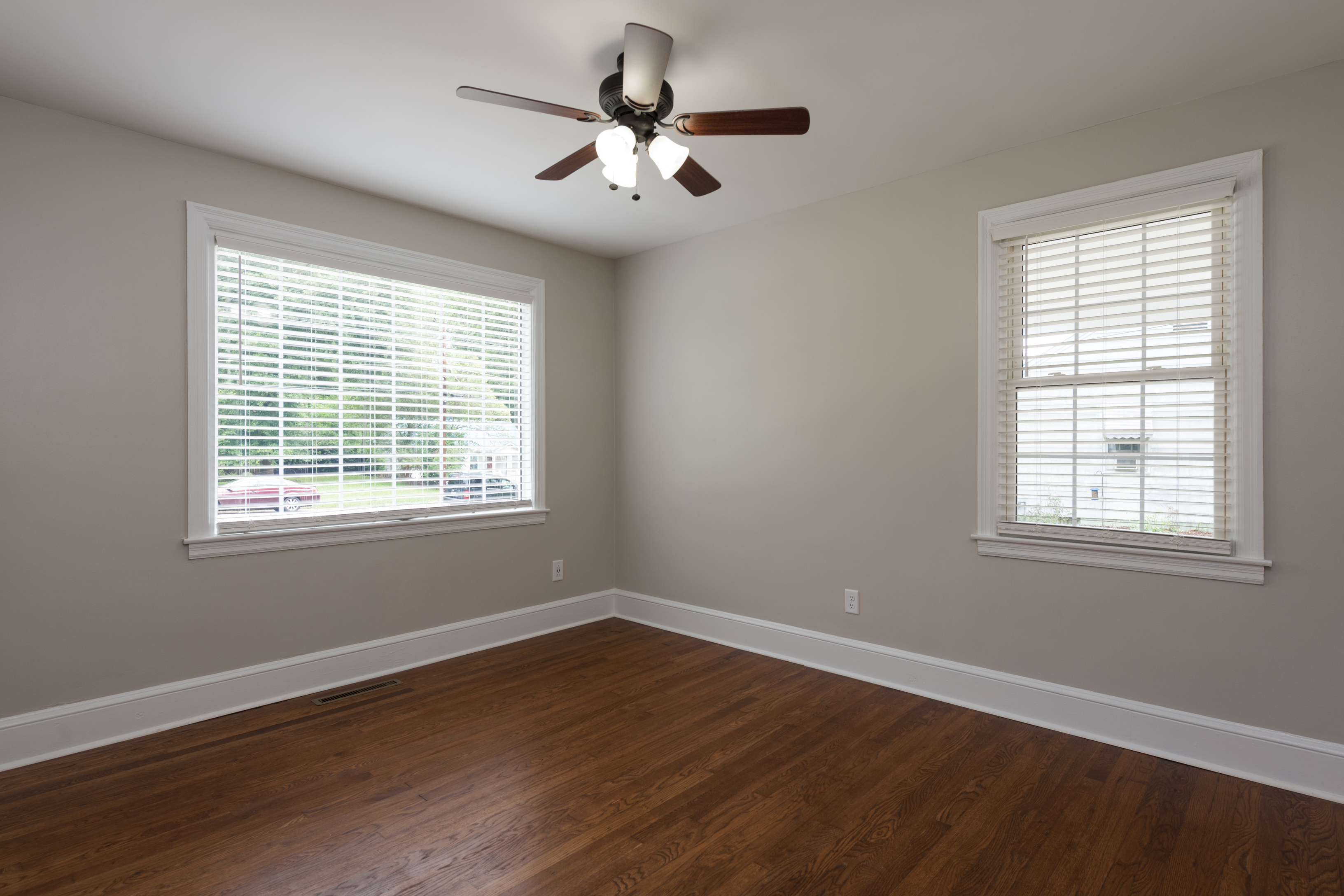
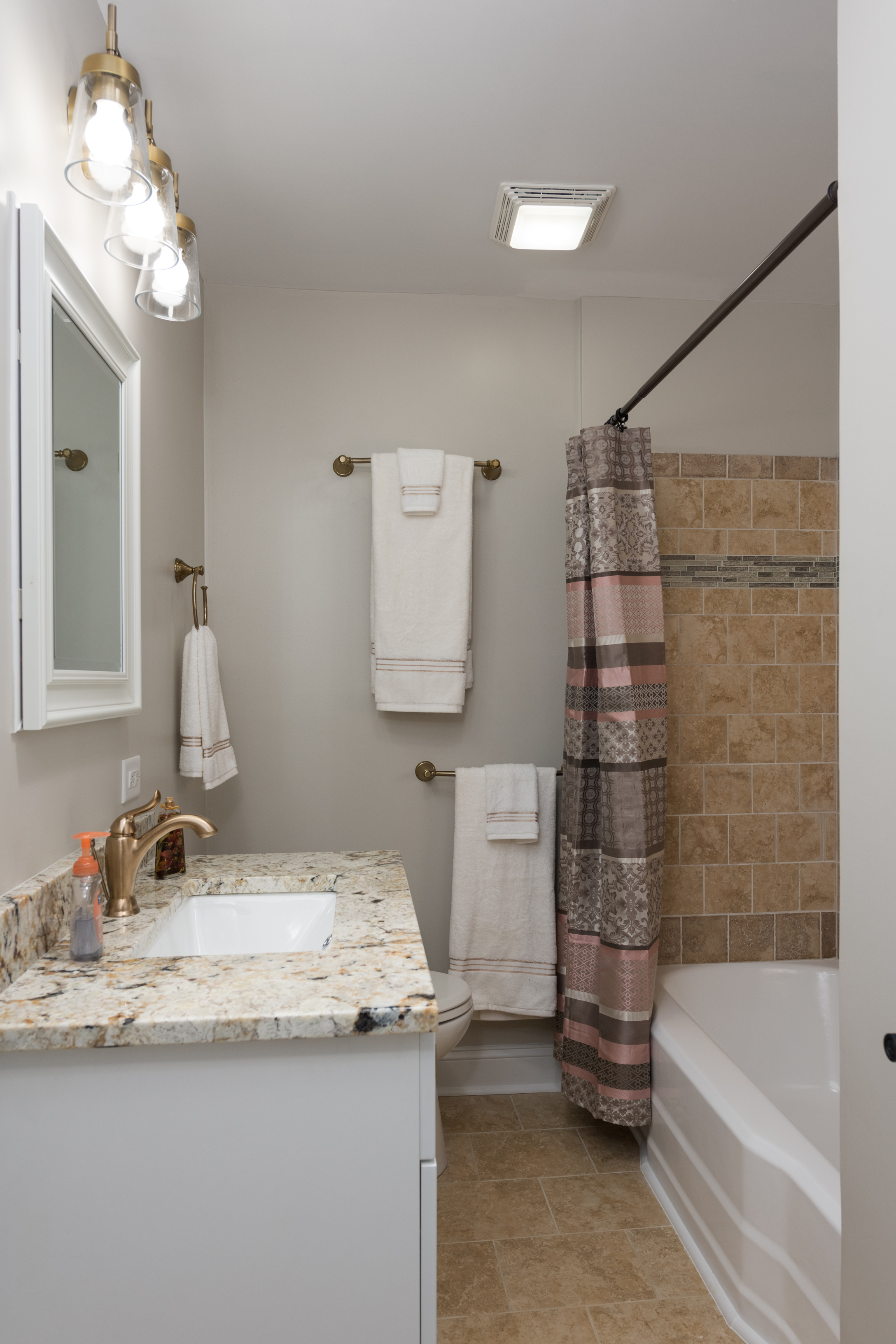
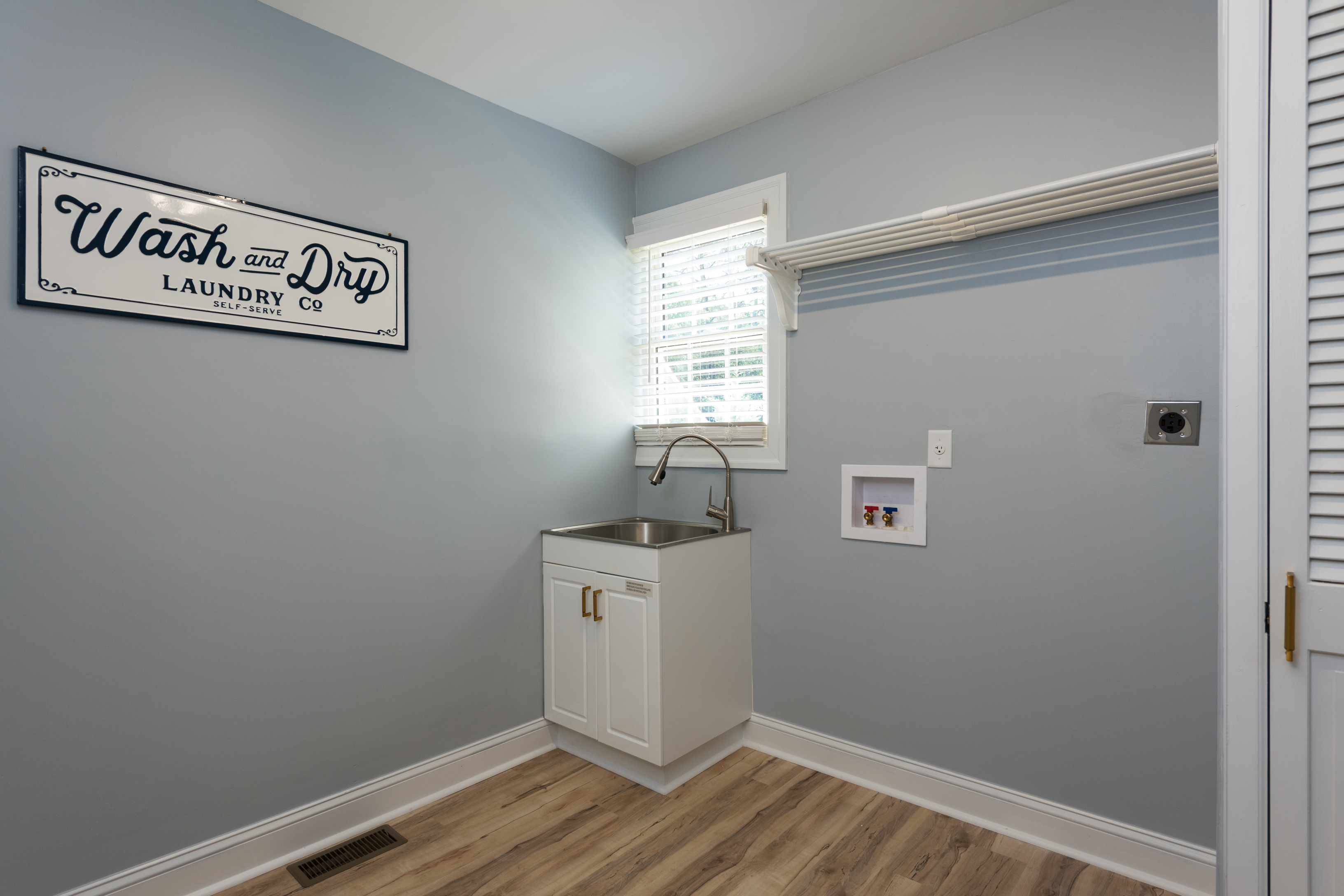
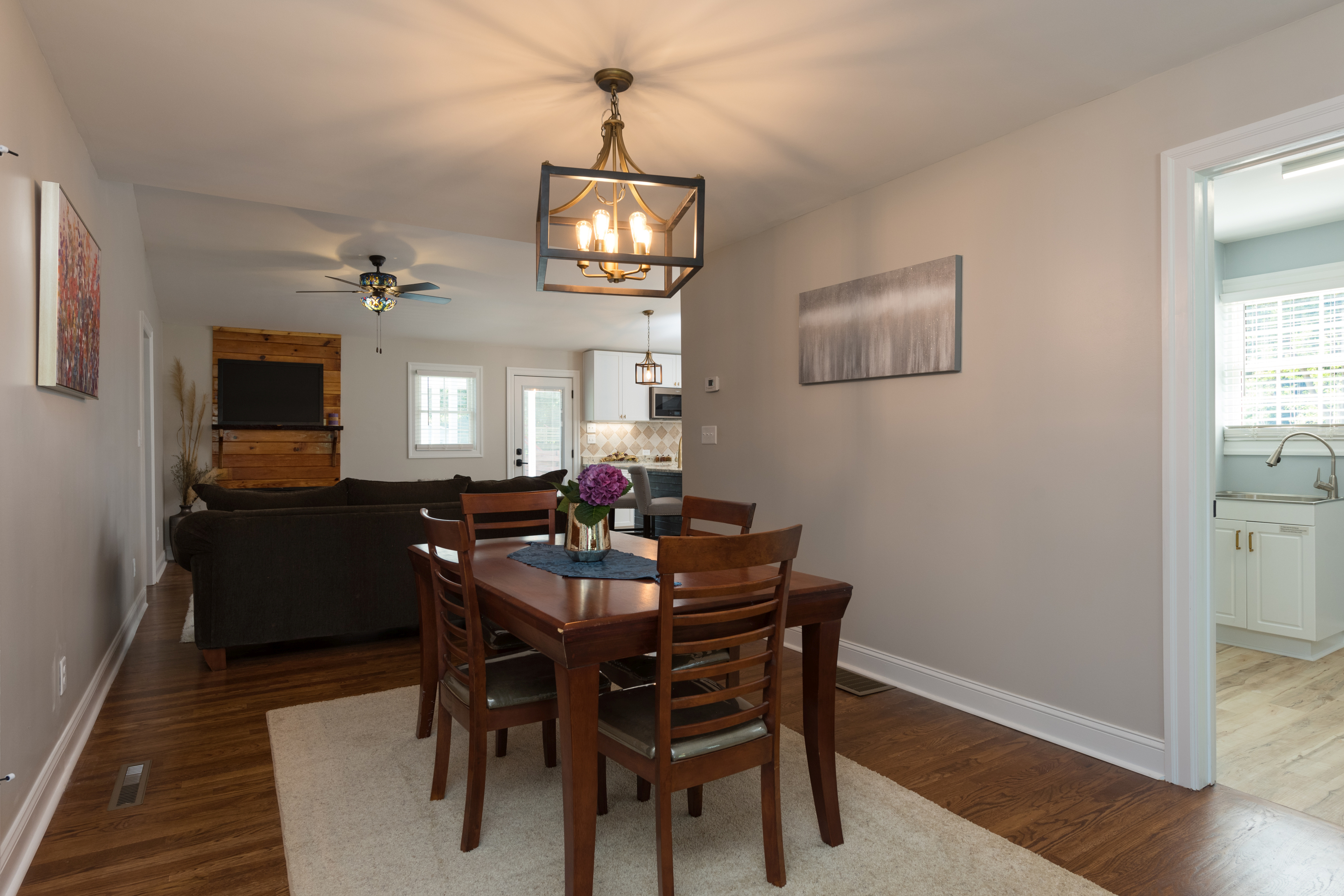
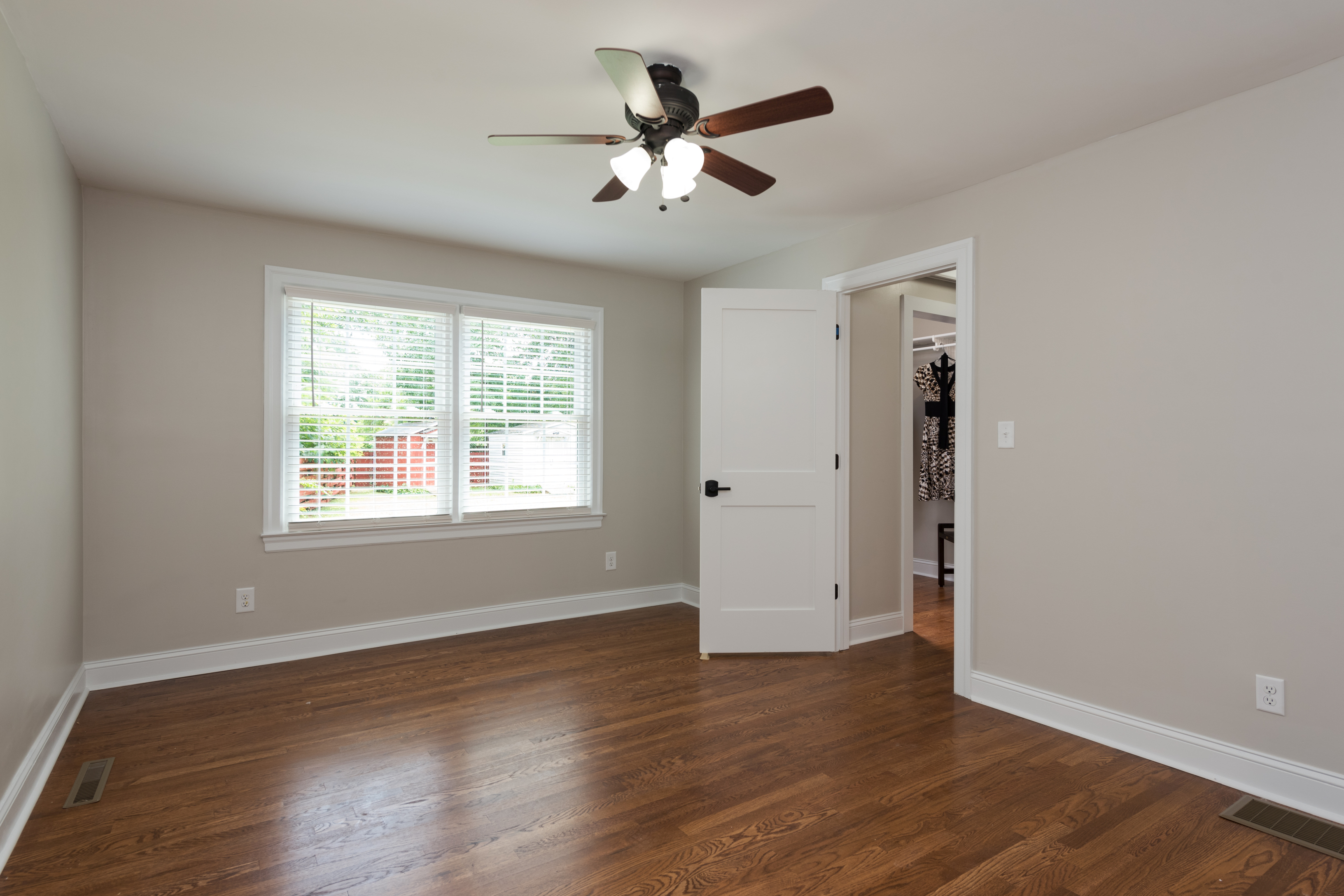
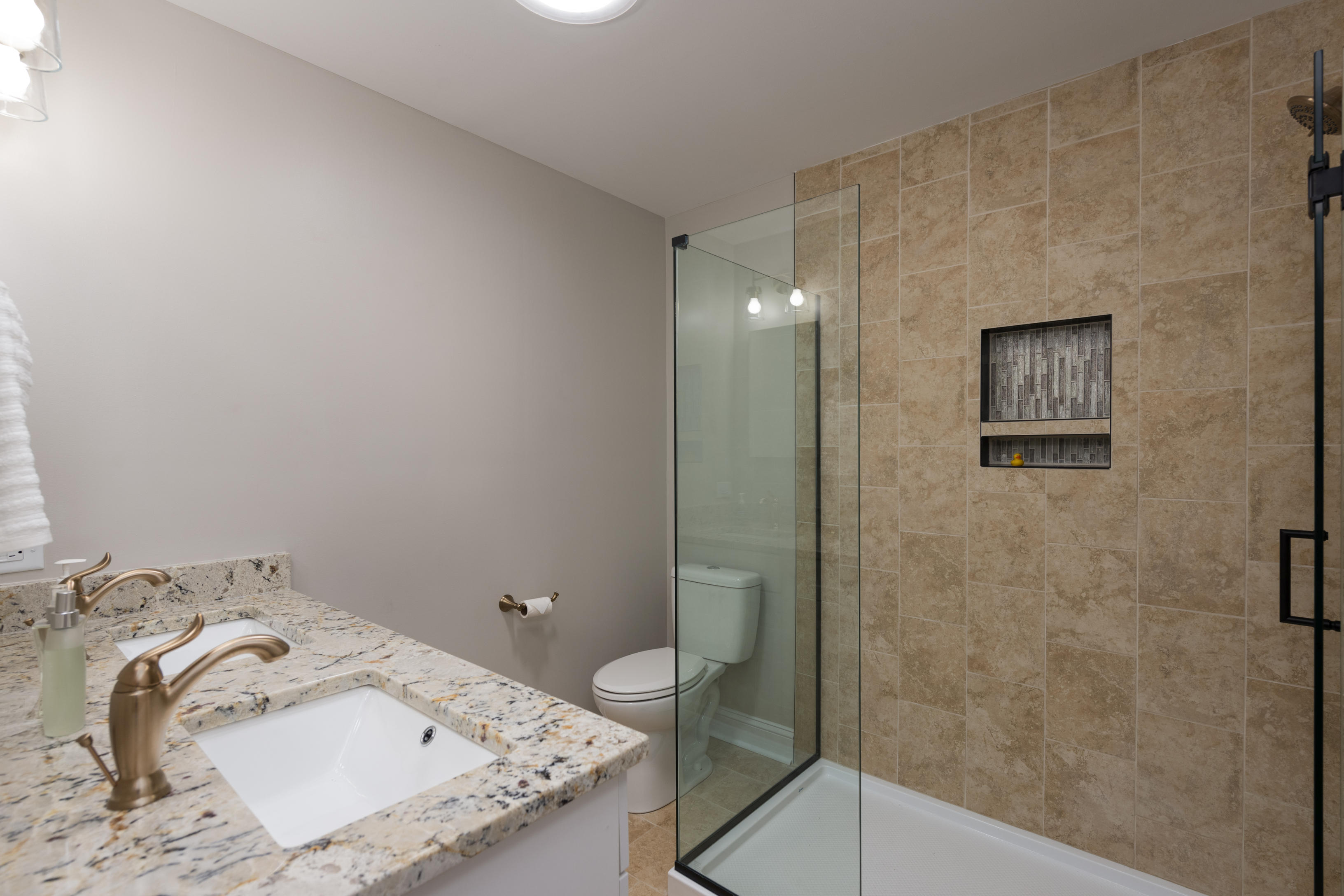
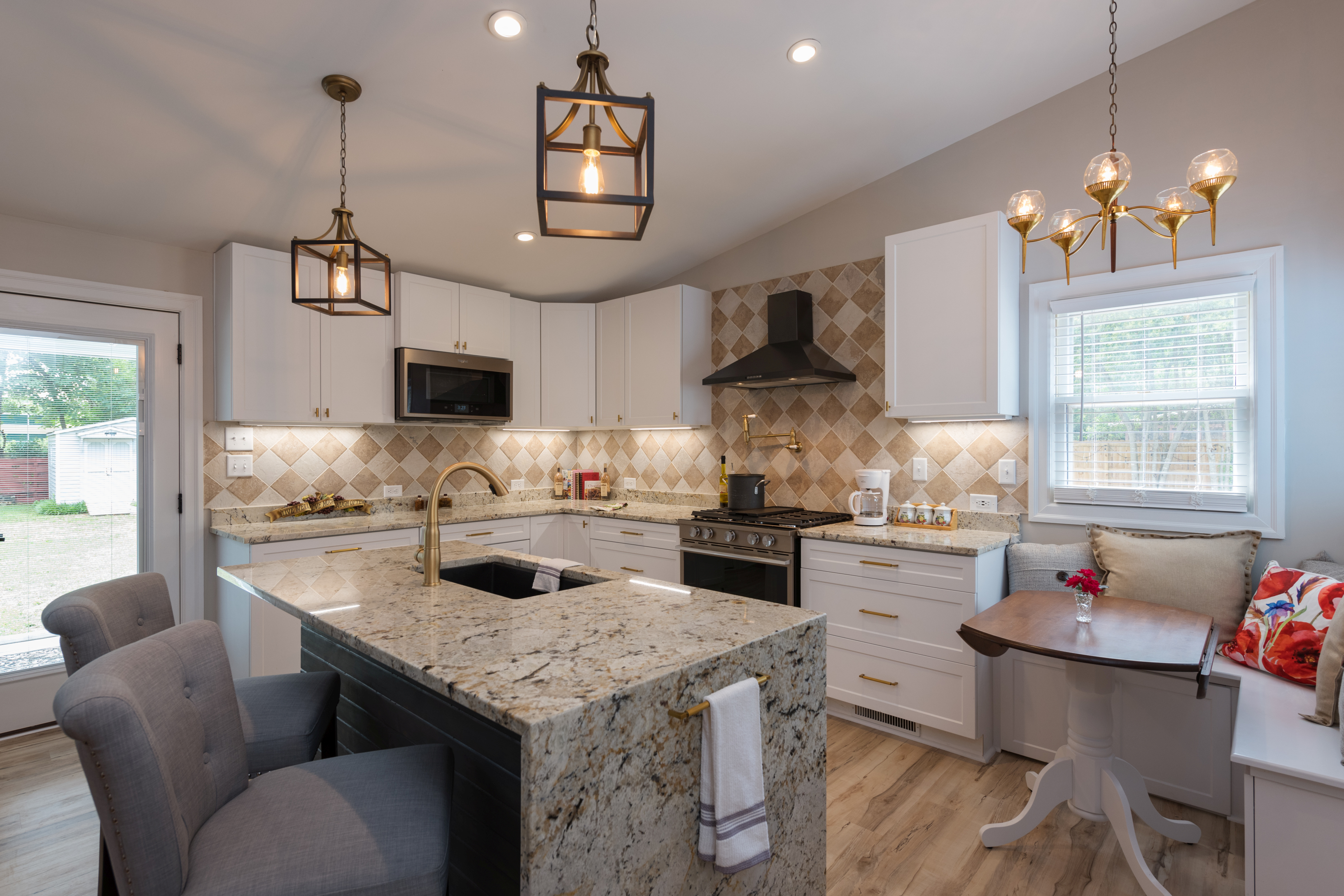
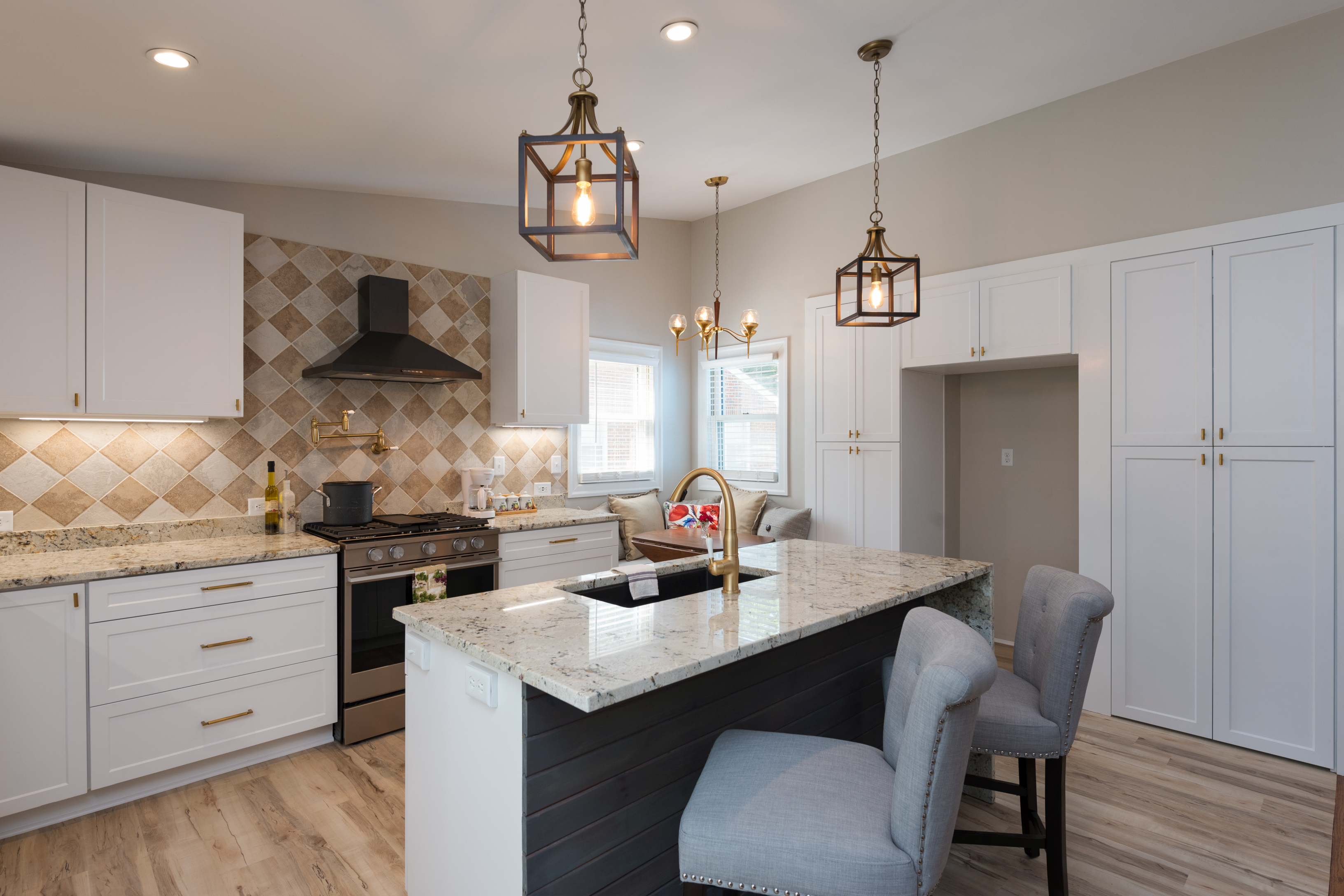
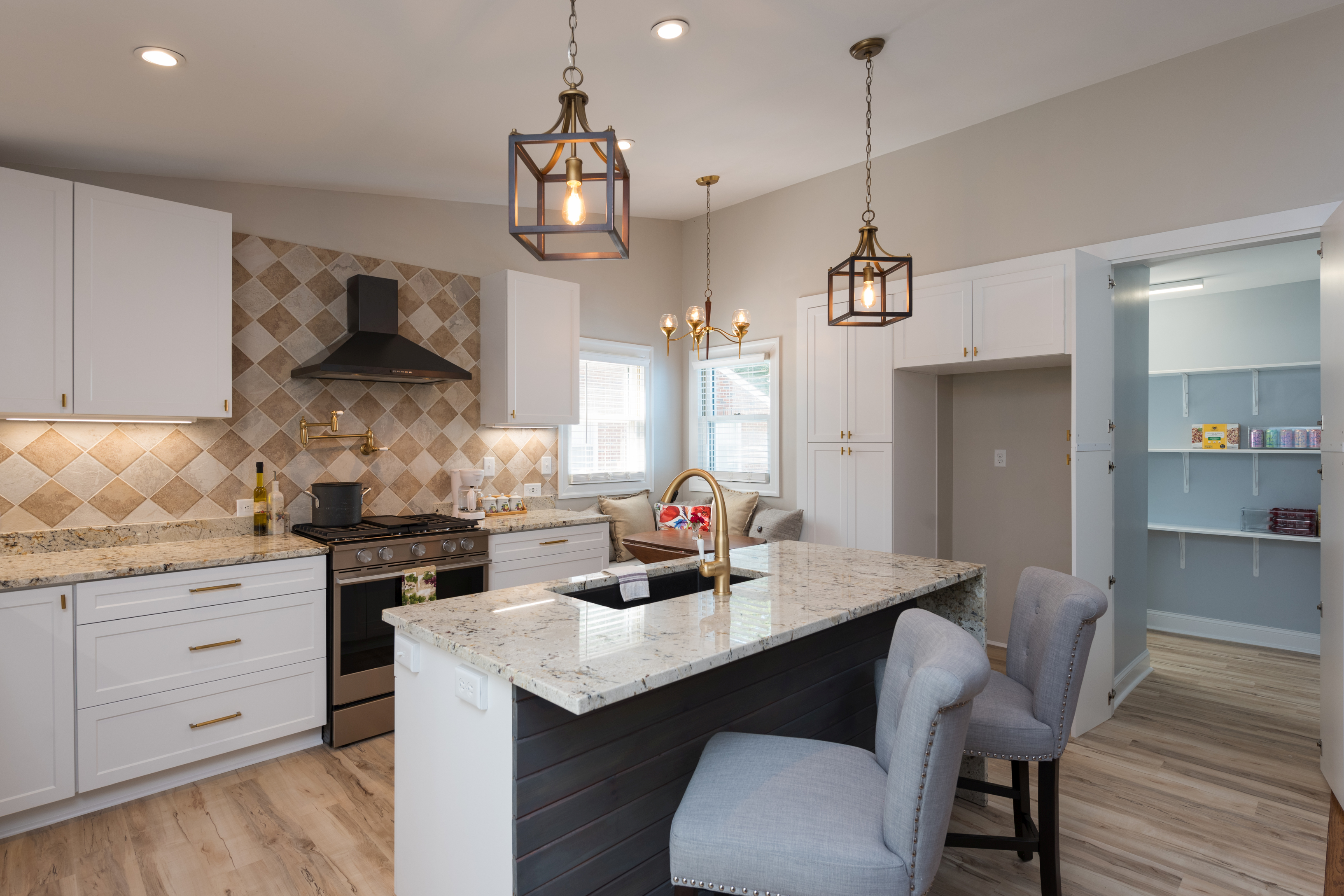
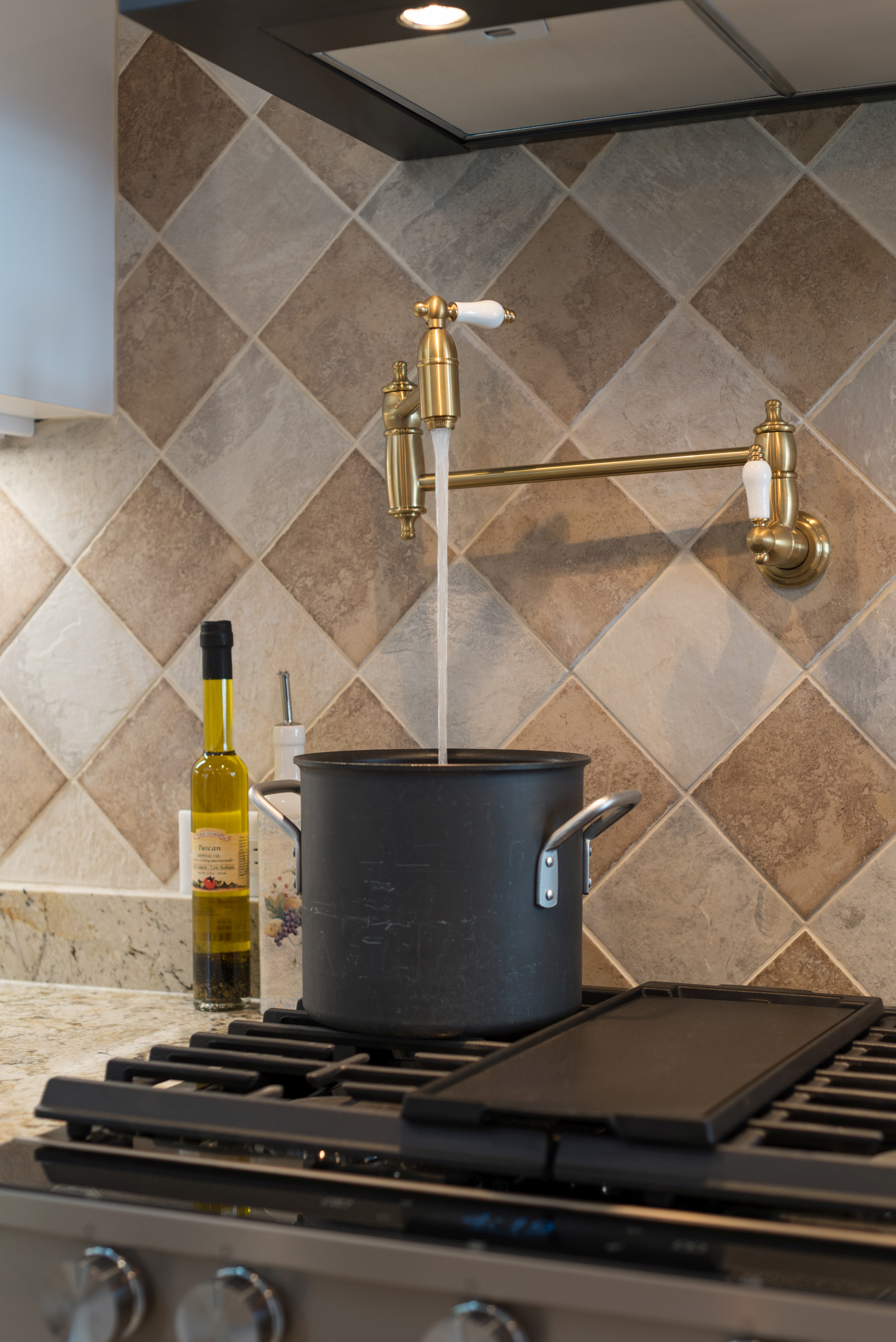
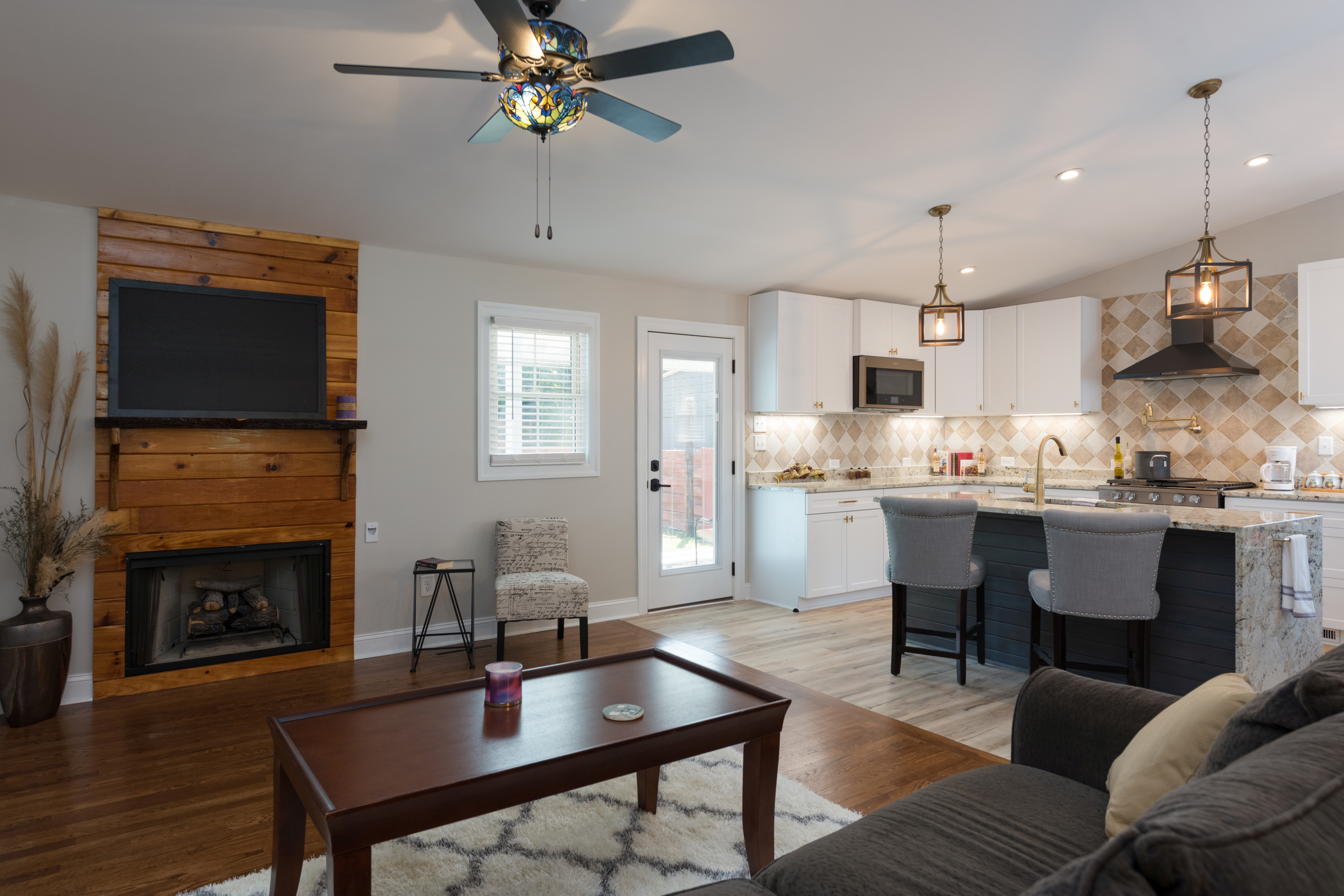
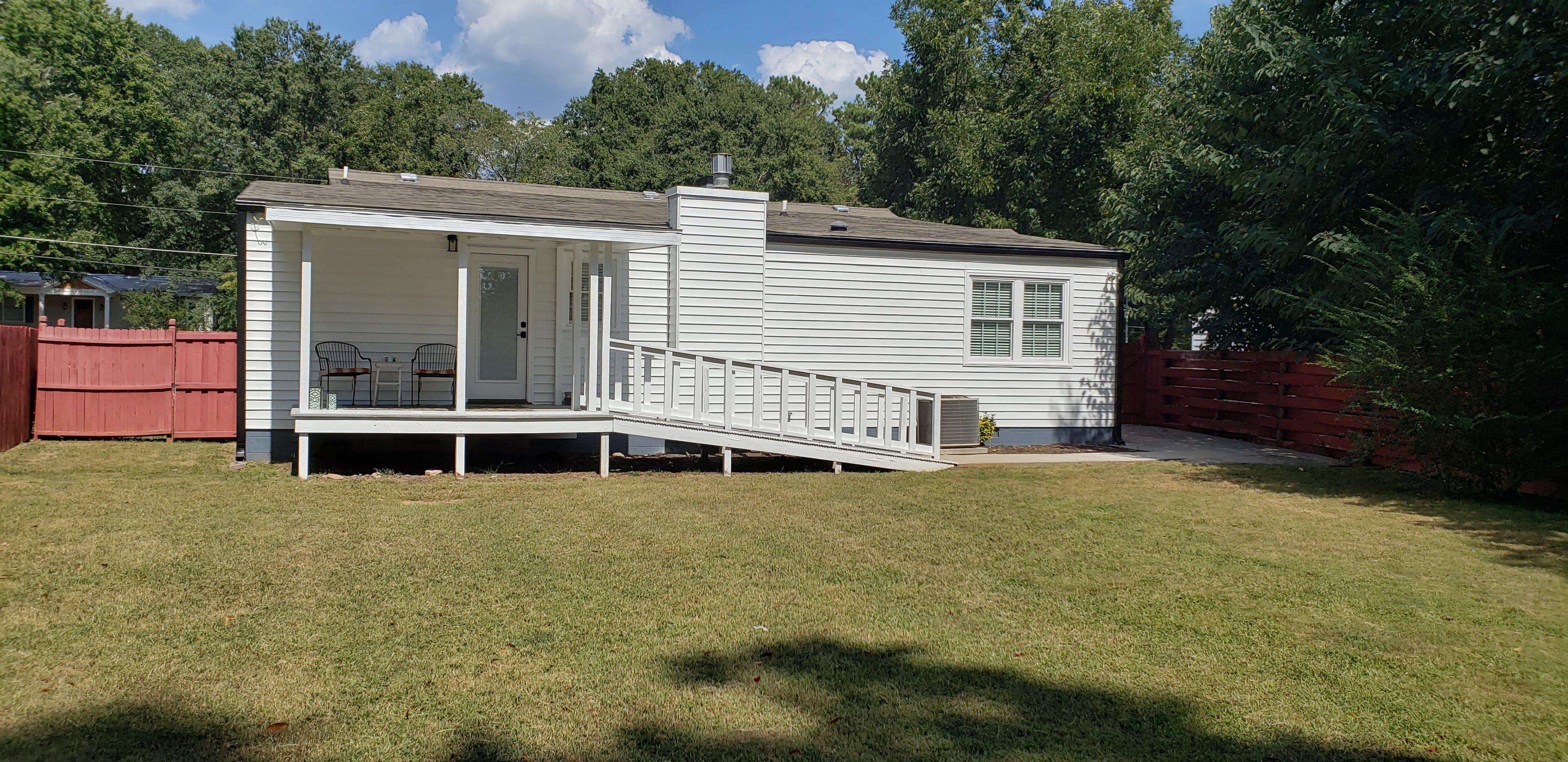
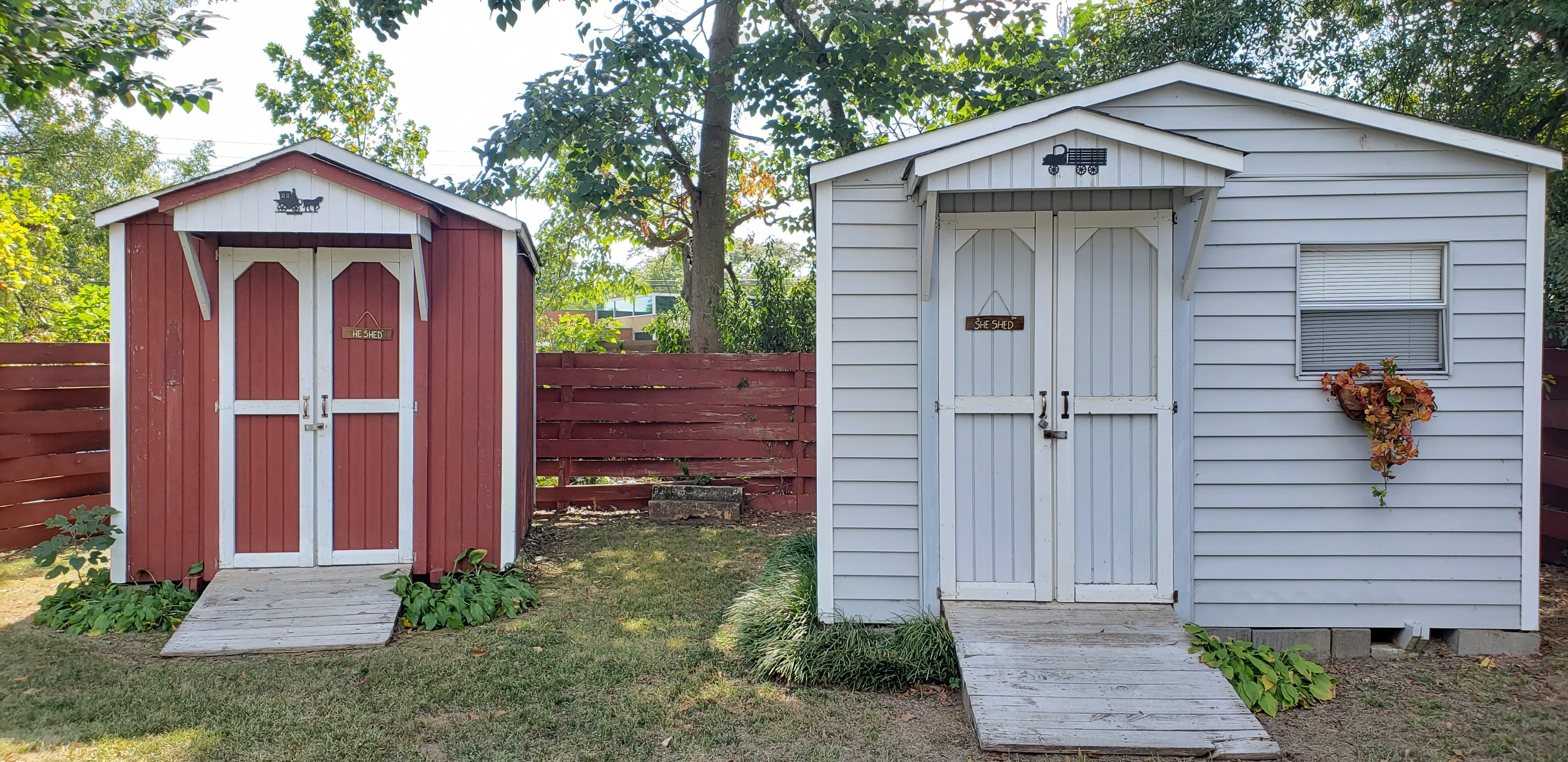
Walking up to this unique, craftsman-inspired cottage you'll appreciate landscaping filled with mature trees & colorful blooms! Upon entering, the vibe is cozy, but roomy. Hints of rustic elements mixed with eclectic/vintage greet you in the first of 2 living spaces, each with their own fireplace. Elegant dinner parties await in your spacious Dining Rm., with custom wet bar. USB ports are offered in convenient locations for you & your guests, as well as Original and new hardwood floors throughout. Off the Dining area Is an XL Laundry Rm. with sink & waterproof LVP flooring, plus a separate Bonus Rm. (study/office) that includes beautiful glass barn doors so you can hide the mess! Had a long day of working? Relax in your Family Rm. that opens to your gourmet kitchen. Speaking of the kitchen...WOW! Miles of Granite--even the sink is granite! A large island with gorgeous waterfall edge, a cozy eat-in banquette, ton of cabinets with soft close doors AND drawers, and storage galore (with a hidden surprise for you to find off the kitchen area). Sunset Bronze colored appliances include a hidden control Dishwasher, Gas Stove/Oven and Microwave--both Convection, as well as Wi-Fi enabled Smart Features with Mobile App. To round out the list, a custom tile back splash surrounds a convenient Pot filler & sleek Black Slate Vent Hood. The split plan offers a private & quiet master retreat off the back with a large sitting area--perfect for gazing at your winter sunset views! Relax & unwind in your Ensuite with 2 sinks and spa-like tile & glass-enclosed shower. Then pull your PJ’s out of your walk-in closet with modern shelving. State-of-the-art Solar Tubes in both bathrooms and Master closet that are so bright during the day, you can save $ by not using lights at all! For extra measure, the entire house is set up with low power-consuming LED’s. Your backyard oasis is completely fenced in & private. You will enjoy the view from your low-maintenance composite deck patio, (pre-framed for screening in). Two storage buildings keep all your outdoor toys tucked away and tidy, so you will have plenty of room in your high-ceiling carport, or your extended & enclosed parking pad--ready to accommodate your custom Harley or small RV. Your new home is located in the award winning Chase Street school district, and within walking distance to Piedmont & St. Mary's Hospital, Bishop Park, UGA Medical College & Historic Normaltown!
Better than touring in person! Take your time and walk through the home virtually. No wasted trip driving to see a home that isn't a good fit. Click on "Virtual Tour" below, and you will be able to view a 3-D display of the home. Continue reading for detailed navigation instructions.
Navigation Choices
Have fun!
Many times, you won't even get a shot of the back yard on the typical listing. Our aerial video gives you an overall view of the property that includes the orientation of the house as well as the immediate surrounding area.
We often get requests from our buyers for a floor plan. You probably want to know how big rooms are so you can determine if your furniture will fit. This is especially true of the bedroom. We can't count the number of times we have been asked to provide a measurement, because someone wants to know if their king size bed and night stands will fit! When was the last time you saw floor plans for a home? Chances are...never! If you've built a house, there is a slim chance, but it's a good bet that your current home was built long before you got there. Our process gives you the information you need!
The following are stationary "dollhouse" style overviews of the home. They are similar to what you would see in the dollhouse view above in the virtual tour, but they are fixed. If you want to be able to rotate the picture on its axis to see the home from different angels, you would click on the "Virtual" button above.
The following are samples of our social media channels a quick taste of what the home offers. Just a little something to pique your interest.
If you have a Samsung Gear VR you can do a virtual reality tour! This is different than the virtual tour listed above. In this case, you are wearing your Gear mask and "walking" virtually through the home as if you were actually there. Use the following instructions to enjoy this new way of experiencing a home tour!

/t.realgeeks.media/resize/300x/https://u.realgeeks.media/athensgahomesales%252Flogos%252FMark_Mahaffey_and_Associates_(4x).png)